
搭建trx节点
refer to:
https://tronprotocol.github.io/documentation-zh/introduction/ 需要从头到尾读一下。。。
https://tronprotocol.github.io/documentation-zh/getting_started/getting_started_with_javatron/
官方代码地址:https://github.com/tronprotocol
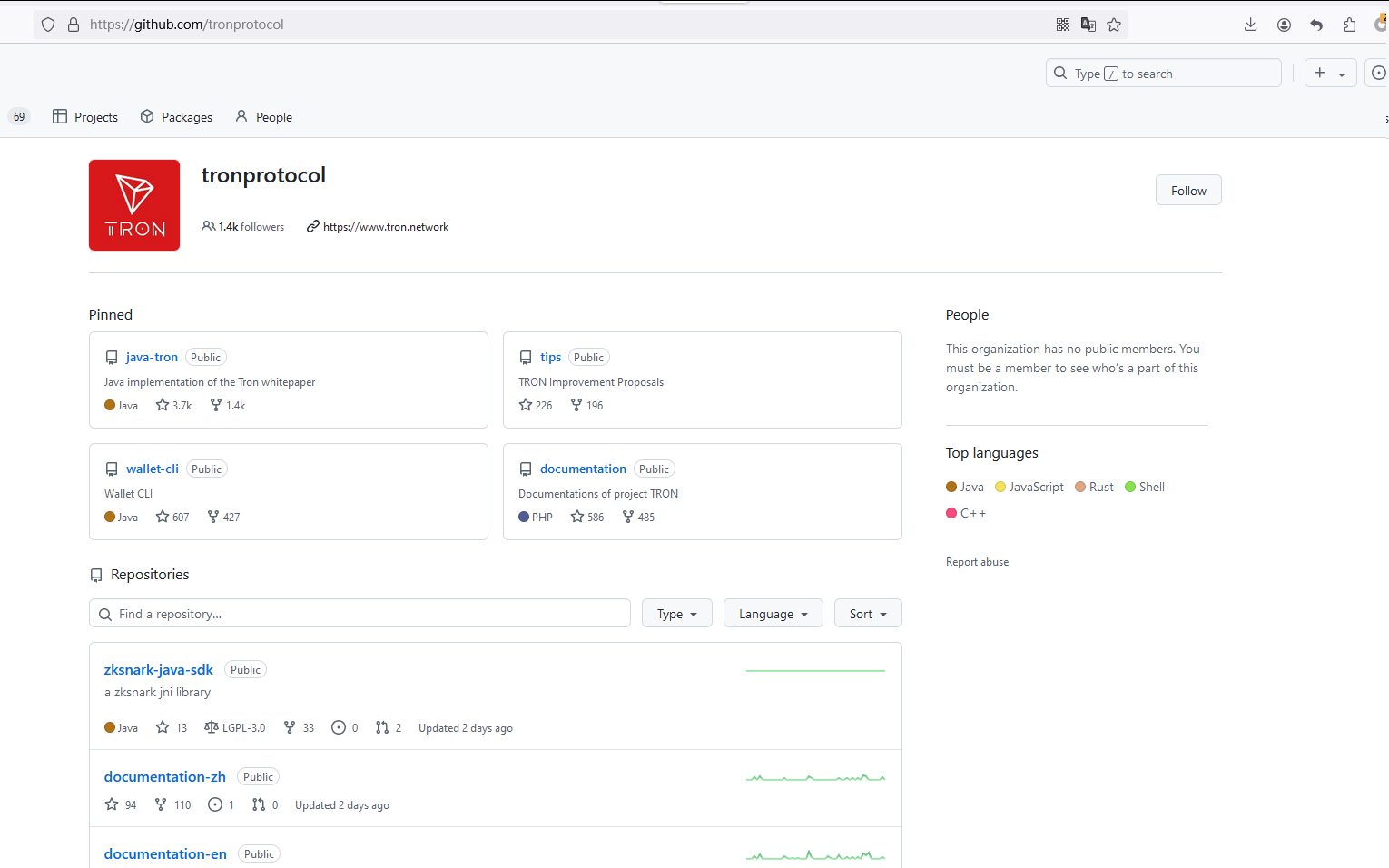
FULL NODE还是LIGHT NODE,还是只用命令行,现在还没弄明白
首先要分清几个项目:
网络:
https://github.com/tronprotocol/java-tron
钱包命令行
https://github.com/tronprotocol/wallet-cli
安装JDK1.8:
wget showmethemoney.fuxinsci.com/image_after_2019_06/jdk-8u251-linux-x64.tar.gz
配置JDK:
# vim .bashrc
export JAVA_HOME=/你的路径/jdk1.8.0_251
export JRE_HOME=${JAVA_HOME}/jre
export CLASSPATH=.:${JAVA_HOME}/lib:${JRE_HOME}/lib
export PATH=${JAVA_HOME}/bin:$PATH
构建 rpc server:
下载java-tron
# git clone https://github.com/tronprotocol/java-tron.git
# git checkout -t origin/master
编译安装
# cd ./java-tron
# $ ./gradlew clean build -x test
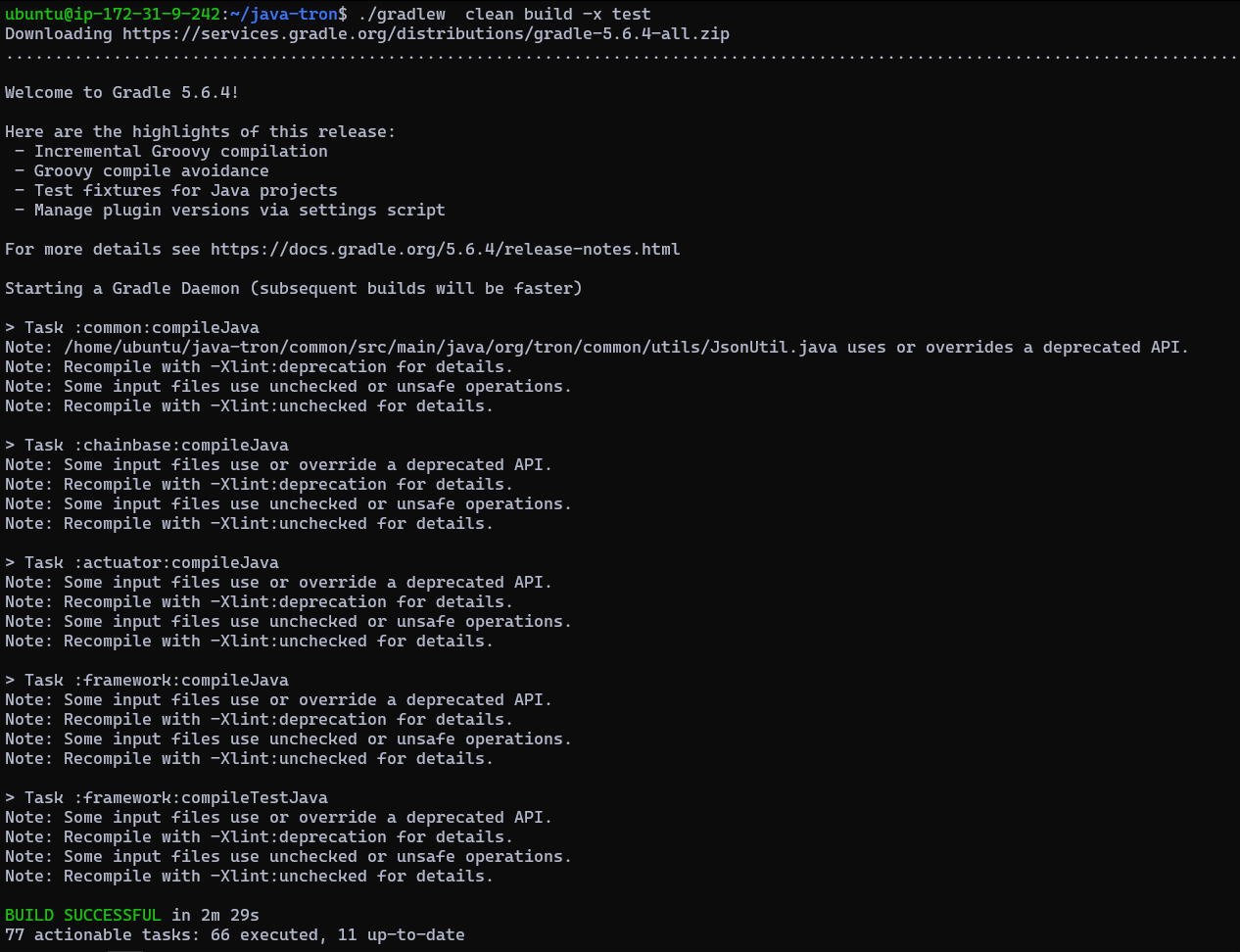
build 目录下就会生成文件
不过该RPC SERVER我们先别用。
看能不能直接用CLI实现创建钱包
wallet -cli项目:
git clone https://github.com/tronprotocol/wallet-cli.git
编译:
./gradlew build
运行:./gradlew run 进入到交互式命令行
cd build/libs
java -jar wallet-cli.jar 进入到命令行
注册钱包;
$ ./gradlew run
> RegisterWallet 123456 (password = 123456)
> login 123456
> getAddress
address = TRfwwLDpr4excH4V4QzghLEsdYwkapTxnm' # backup it!
> BackupWallet 123456
priKey = 075725cf903fc1f6d6267b8076fc2c6adece0cfd18626c33427d9b2504ea3cef' # backup it!!! (BackupWallet2Base64 option)
> getbalance
Balance = 0
> AssetIssue TestTRX TRX 75000000000000000 1 1 2 "2019-10-02 15:10:00" "2020-07-11" "just for test121212" www.test.com 100 100000 10000 10 10000 1
> getaccount TRfwwLDpr4excH4V4QzghLEsdYwkapTxnm
生成钱包地址:

TODO: 貌似是使用 java -jar xx.jar 这样的方式来运行的,如果可以加上参数就好了
TODO:wallet, account, address是什么关系?